


In 2025, Twitter is part of everyday vocabulary, even though it is now called X and has its own friendly AI named Grok.
Twitter lets you follow the latest news, connect with your favorite celebrities, influencers, or promote your brand.
You can increase your business sales with effective strategies or become a content creator with a large community.
However, newbies might find the platform confusing and overwhelming.
This ultimate guide on how to use Twitter for beginners will help you understand the basics, how to use it well, and more.
Before continue: Meet the Top Tool to Grow Your X Presence.
Start 15 Day Free Trial
Get daily AI-powered recommendations on who to follow, what to tweet, and which conversations to join. You act, Owlead guides. Less than 1 minute to set up.
Start Your Free Trial →What is Twitter (now called X)?

Twitter / X originally started out as a platform where people could share and interact through short messages, which they called “tweets.”
Each tweet is capped at 280 characters, but you can also add media to spice it up.
By 2022, Twitter had about 229 million daily active users that businesses could tap into, making it an essential tool for connecting with customers online. (You can study more detailed statistics here)
Even if your business isn’t active on X, having a profile can help customers find and engage with your brand.
In 2022, Elon Musk bought Twitter and rebranded it to X, all part of his vision for an “everything app” that goes way beyond traditional social media.
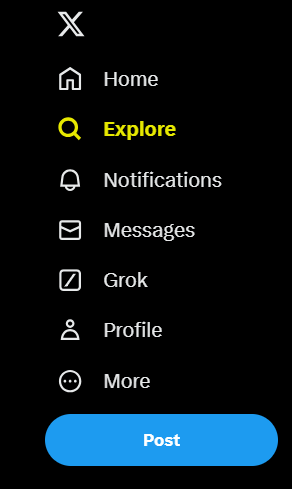
Features like Grok, lists, videos, and spaces are gradually becoming more important in the app. However, this is not the only change happening:
- The iconic blue bird got replaced by a simple black and white “X.”
- What we used to call tweets are now “X’s,” and instead of retweeting, we now “repost.”
- X.com now takes you to the platform.
Learn how to use Twitter for Beginners in just 9 steps
Starting in X is easier; let’s go step by step.
Step 1: set up your profile

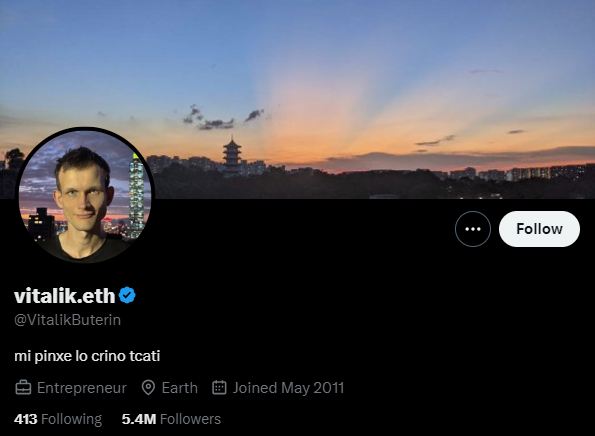
Your Twitter profile is your first impression online and the best way to get engagement.
Here’s how to turn a basic profile into one that grabs attention and makes people want to check it out:
- Choose a handle (@username): Keep it short and relevant to your name or brand, susch as @Owlead.
- Upload a profile picture: Use a headshot or logo that represents you. A profile without a picture looks untrustworthy.
- Add a header photo: This banner image lets you visually express your personality or brand. Think of it like a billboard for your message.
- Complete your bio: Summarize who you are, what you do, and your interests. Feel free to use emojis, hashtags, and website links.
- Link your website: Direct traffic to your blog, shop, OnlyFans, or portfolio.
- Choose your privacy settings: Public accounts are easier for brands and creators to find. If you want to share only with approved followers, switch to private.
- Set up your notifications: Decide how you’ll be alerted for new followers, mentions, replies, or DMs.
Step 2: follow relevant accounts
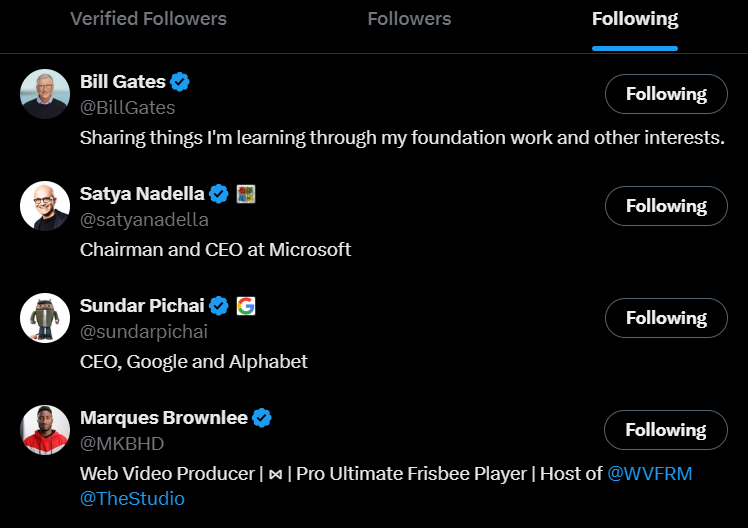
Start by following people and brands you admire, competitors, or accounts that interest you. This helps you:
- Learn how others use Twitter.
- Engage in conversations to grow your following.
- Look beyond your industry for inspiration—journalists, artists, authors, or public figures can provide great ideas in your niche.
Step 3: learn the twitter lingo
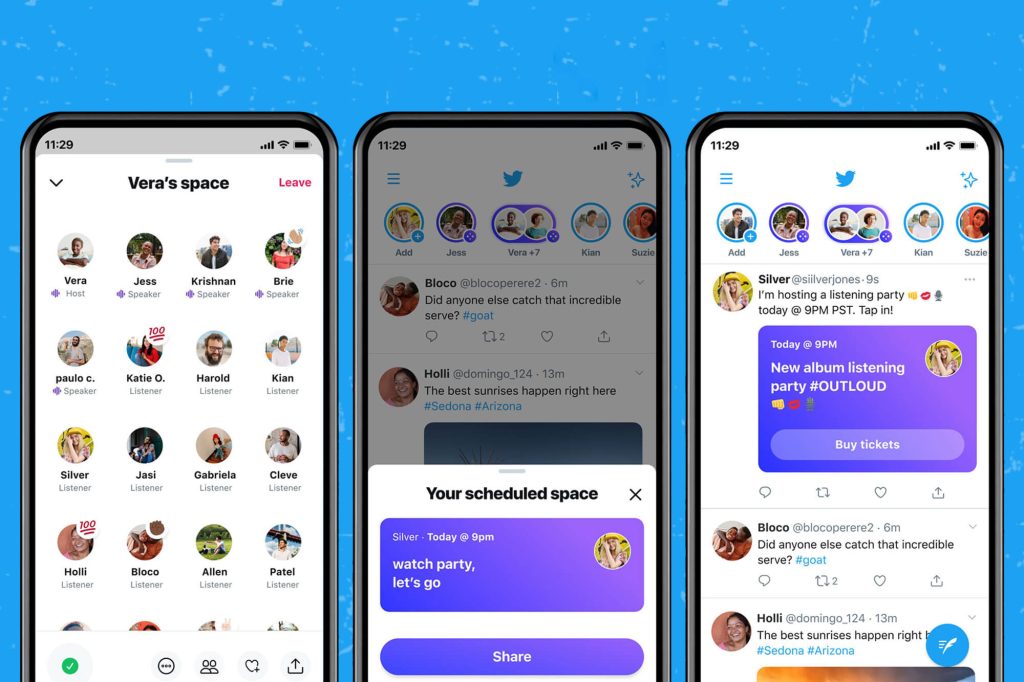
Get familiar with these key terms:
- Handle: Your username, preceded by “@.”
- Tweet or post: A post of 280 characters.
- Retweet or repost: Sharing someone else’s tweet.
- Quote Tweet or quote post: Retweeting with your own comment.
- Hashtags (#): Keywords that connect your tweet to wider conversations.
- Mentions (@): Tagging other users in your posts.
- Threads: A series of connected tweets to tell a story.
- DMs: Private messages.
- Likes: The heart icon to show appreciation.
- Twitter Spaces: Live audio conversations.
- Bookmarks: Saving tweets to look at later.
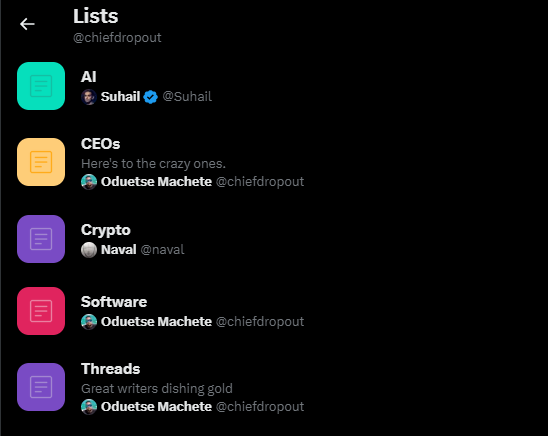
- Lists: Organized feeds from specific accounts.
Step 4: decide what content to tweet
Your content strategy should match your purpose.
Are you here to entertain, educate, inspire, or sell?
We have a complete guide for content creators here.
Step 5: define your coice
Your voice should feel authentic, reflect your personality or brand, and stay consistent across tweets.
- A playful tone is Good for entertainment content.
- A professional tone is best for finance, health, or Crypto.
Step 6: write your first post

Once your profile is set up, it’s time to start tweeting:
- Use up to 280 characters, but shorter is often better.
- Add emojis, GIFs, images, links, or polls to make it more engaging.
- Use hashtags for more visibility.
Step 7: Join trending hashtags

Twitter is great for real-time conversations:
- Explore trending hashtags in your area or industry.
- Join discussions, whether global or niche (#Oscars2025)
- Think about creating your own branded hashtag (like #OwleadGames).
Step 8: maintain your channel

You don’t have to tweet every hour, but aim to post at least once every few days:
- Create a content calendar to plan your tweets.
- Vary your content types: educational posts, quotes, product updates, and retweets.
- Stay responsive and acknowledge mentions, answer questions, and join conversations.
Step 9: use Twitter tools and Features
Make the most of Twitter’s built-in tools:
- Pin a Tweet: Keep an important post (like an announcement or offer) at the top of your profile.
- Get verified: If eligible, apply for a blue badge to build credibility.
- Bookmark tweets: Save content you want to revisit later.
- Create Lists: Organize your favorite accounts for easy access.
Before continue: Discover the Best Tool to Grow Your Twitter Influence.
Start 15 Day Free Trial
Get daily AI-powered recommendations on who to follow, what to tweet, and which conversations to join. You act, Owlead guides. Less than 1 minute to set up.
Start Your Free Trial →Twitter for Business
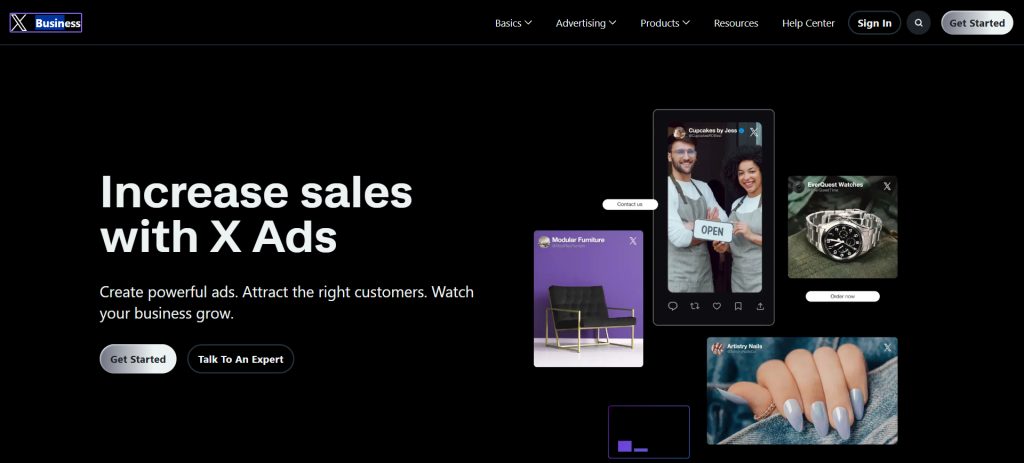
Twitter is an awesome place for businesses to give quick customer support, build their brand, and connect with people.
It’s a good idea to have a dedicated support account to keep things moving fast and stay open with your customers.
Still, you should be able to:
- Share updates, your brand’s values, and cool content created by users to strengthen your brand.
- Get more eyes on your posts, run some targeted Twitter Ads to reach specific groups.
- Keep an eye on how things are doing with Twitter Analytics so you can adjust your strategy.
- Stick to a content calendar to keep your posts consistent, and make sure to engage by replying, retweeting, and jumping into conversations.
- Enhance your profile with things like pinned tweets, Twitter Spaces, and Lists.
- Lastly, make sure to use Owlead to boost your account.
In Summary
Twitter, now called X, can feel overwhelming, especially if you’re new to it.
However, once you learn how to use it, it becomes a helpful tool for staying updated, making connections, and expressing your thoughts.
This Twitter for beginners guide is simple so that you can take your first steps easily.
But two things will help you succeed: your consistency and your willingness to try new things on the platform.
On our blog, you’ll find more information about AI, tools, and tips to make your Twitter experience easier.
Make sure to try Owlead along the way.