


If you’re wondering how to remove followers on X, then this is the right place.
Removing followers on X is normal; there may be accounts you don’t want to know about what you are into on this social media because of what they’ll think, the type of relationship they have with you, or simply because there are loads of bots followers around there.
The best part of this is that the other user will have no idea that you made this, so it’s a completely discussion-free action and really useful in some situations where this is the best thing that you can do.
But wait: There is a faster and easier way to do this. An Owlead integrated tool named X Unfollow Tool will help you remove followers completely free, making it less tedious and slow.
PS: This info is valid for mobile and computer X app 🙂
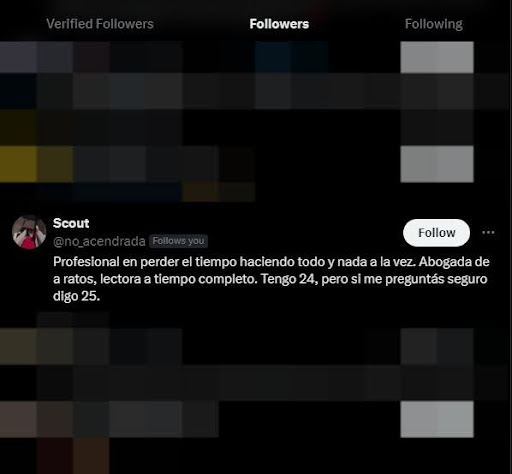
First step: Choose the follower you want to remove and click on their profile.
Second step: Click on the three points at the left of the “message” or “follow” logo.
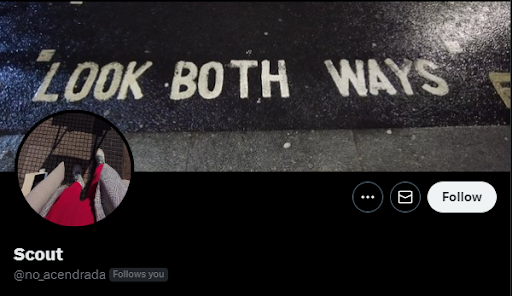
Third step: Click where it says “remove this follower”.

Fourth step: Accept the action by clicking on the “remove” red button.

Fifth step: Enjoy your life at X with real followers and people you truly want to have on your socials!
We hope this information will help you to use X in a pro mode, and remember there are more actions you can take control of, like How to mute words on X and How to remove content warning on X