


Do these X / Twitter banner dimensions fit? keep reading to find the answer.
In this comprehensive guide, we’ll walk you through the essential banner dimensions for X (formerly Twitter) and show you how to easily add one to your profile, a well-designed banner can grab attention and showcase your unique style or brand message.
We’ll cover the perfect dimensions for your banner and provide straightforward steps to upload it, ensuring your profile stands out in the crowded X landscape. Let’s get started!
𝕏 / Twitter Banner dimensions
Step 1: You should find a picture that fits perfectly in your header profile. X and other info explain that 1500 x 500 is required, so make sure this is correct.
If not, there are several apps and tools to resize images so explore this in Google.
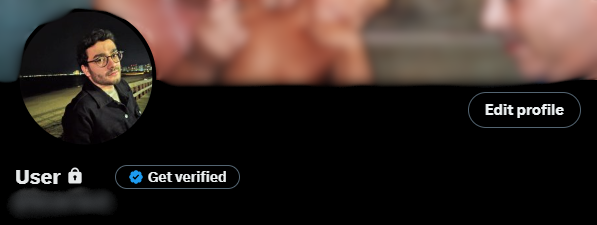
Step 2: Click on your profile and go to “edit profile” to use it.
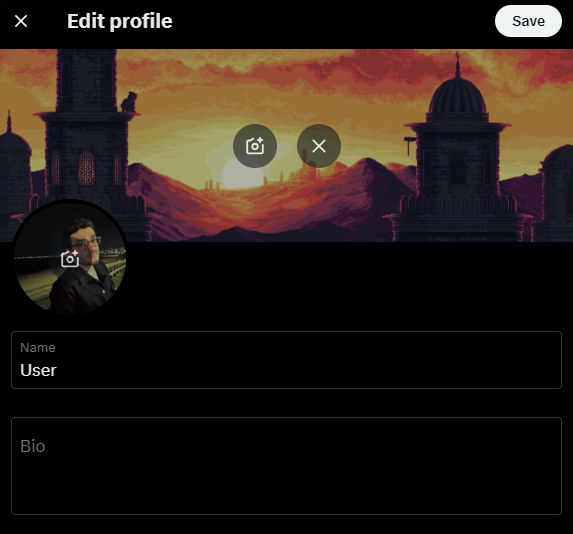
Step 3: Click on the camera logo at the left center and upload the image youd like to add as a banner.
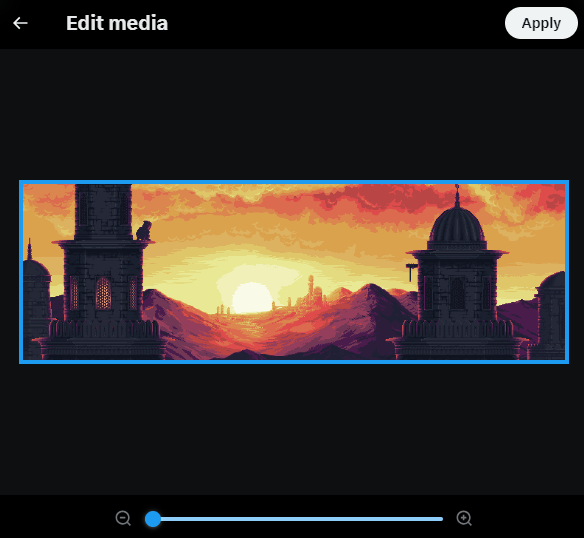
Step 4: Choose the “Apply” option at the top right on your screen and save the changes.
Thank you for following along with our guide on X (formerly Twitter) banner dimensions and setup. We hope this information helps you create a stunning banner that enhances your profile and resonates with your audience.
If you’re in need of any help with the X / Twitter banners dimensions then reach out and contact us, this is why we do it. 🤩